Building survey report: how to write it on site
6 October 2026
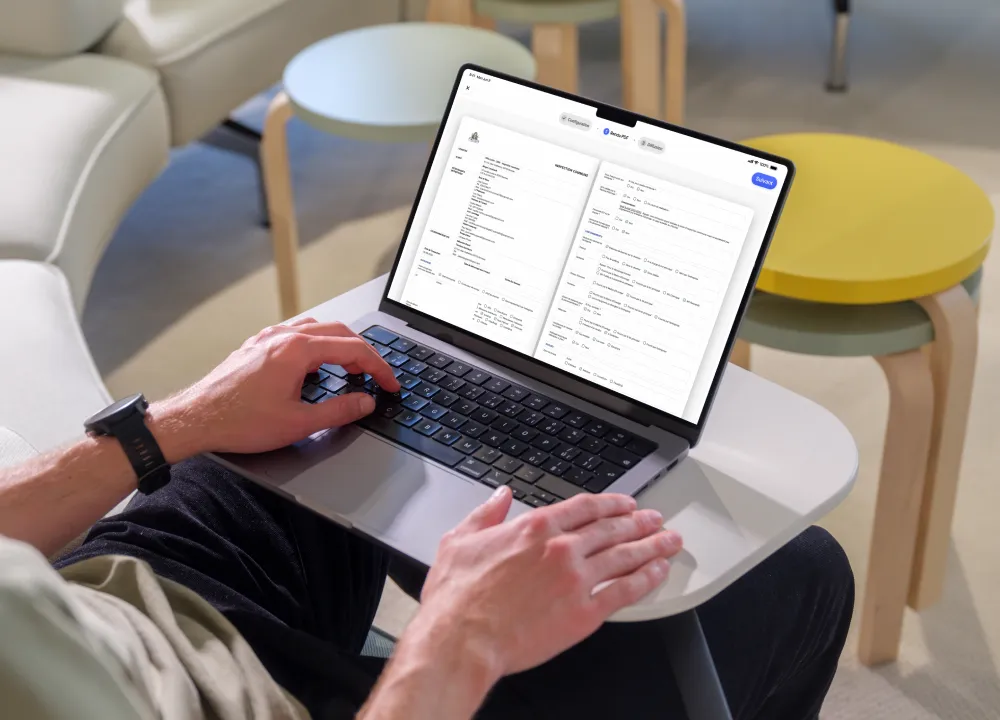
A building surveyor’s time is split between the field and the report. The visit takes an hour; the report sometimes takes a day. Photos to sort, details to check, plans to insert, layout to rework.
Software designed for the field shifts that balance. This article explains how building surveyors use Archireport to document their visits and produce expert reports faster, without losing any precision.
The building surveyor: a job of fieldwork and precision
The building surveyor analyses defects and proposes concrete solutions. Cracks, poor workmanship, leaks: they must record every problem and understand its cause.
Their work rests on three requirements: precision, neutrality and independence. Once appointed, they are bound by a duty of care. In practice, every conclusion must be based on documented findings, dated photos and a rigorous method.
Surveying is a profession in its own right, with its own training and responsibilities.
The expert report, a demanding document
The expert report is an almost legal document. It follows a defined methodology, includes mandatory information and engages the professional liability of its author.
It brings together many elements: a description of the defects, located photos, plans, land registry extracts, an analysis of the surroundings (construction date, materials, type of ground). On site, that represents a mass of information to collect, then format properly.
It’s this formatting that costs so much time. The more manual it is, the longer the report takes to go out.
How Archireport speeds up your expert reports
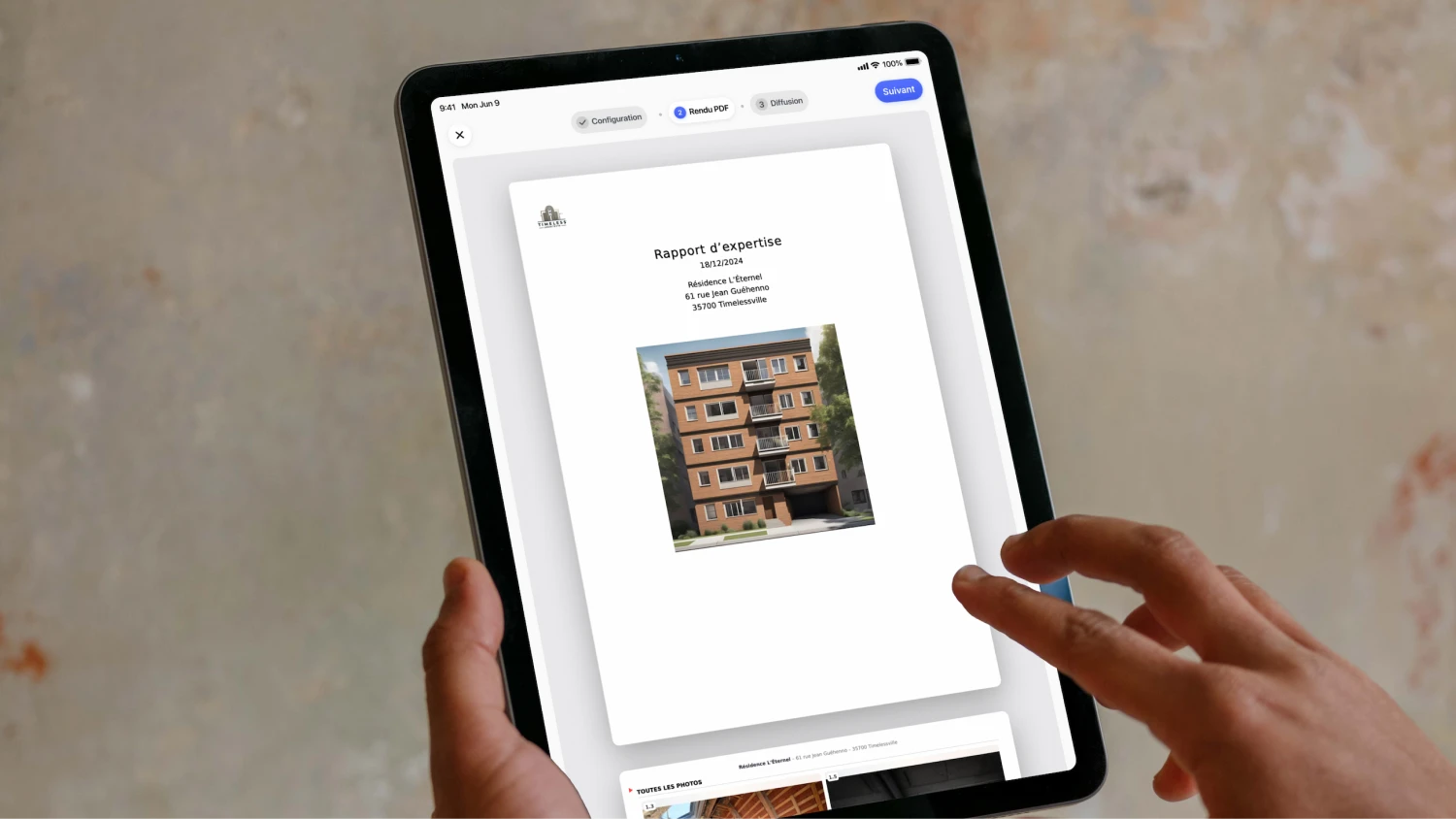
The idea is simple: collect the information once, on site, and let the report build itself automatically as the visit goes on.
Prepare the survey in advance
Before the visit, activate the Expert reports module from Archireport’s Module Manager. Then prepare your file from the web interface or the tablet: upload your plans as PDFs, add your documents and list the points to check. Once on site, you’re free to focus on what matters.
Document the visit on site
This is the heart of the assignment. With Notes & photos, each finding is created directly on site: an annotated photo, a position on the plan, a description. Offline mode lets you work even without a network, in a basement or an isolated building.
In practice, a crack is photographed, measured, located and described in seconds, without a notebook and without re-entering the information on a computer back at the office.
Write and generate the report on site
The automatic site report assembles the observations and photos into a structured report. You decide what content to include depending on the assignment. Your report is practically finished before you even leave the site.
Send it to the parties
The report is quickly sent to the parties concerned, with a clean layout that’s easy to customise. All your documents are stored in one place, accessible from your tablet, your phone and the web.
The survey assignments covered
Building surveyors carry out a wide variety of assignments. Archireport adapts to every situation.
- Crack surveys: locate, measure and monitor how cracks develop, with photos to back it up.
- Poor workmanship: document every defect, trade package by trade package, with dated evidence.
- Pre-purchase surveys: draw up a precise report on the property before signing.
- Condition reports: record the condition of a building at a given moment.
- End-of-works handover: record the snags and support the handover certificate.
For work on residential blocks, Archireport also offers dedicated modules for the Global Technical Assessment (DTG) and the Multi-Year Works Plan (PPT).
Try Archireport on your next surveys
The best way to judge is to try it on a real visit. Archireport is free to try for 30 days, with no commitment and no credit card. Write your next expert report on site, and measure the time saved from the very first assignment. Prefer a guided tour? Book a demo tailored to your survey work.
You might also like these modules
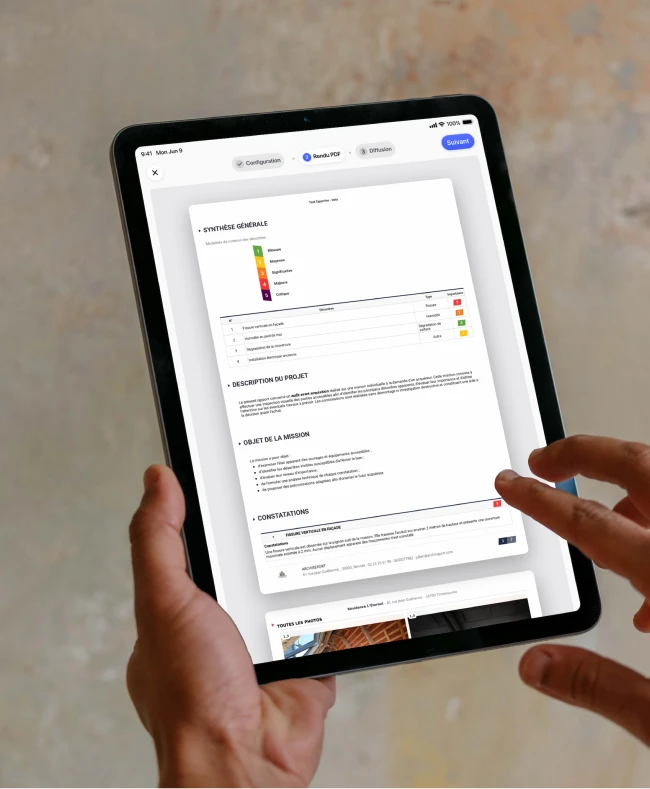
Expert reports
€5 excl. VAT / month
Expert reports

Global Technical Assessment (DTG)
€15 excl. VAT / month
Global Technical Assessment (DTG)
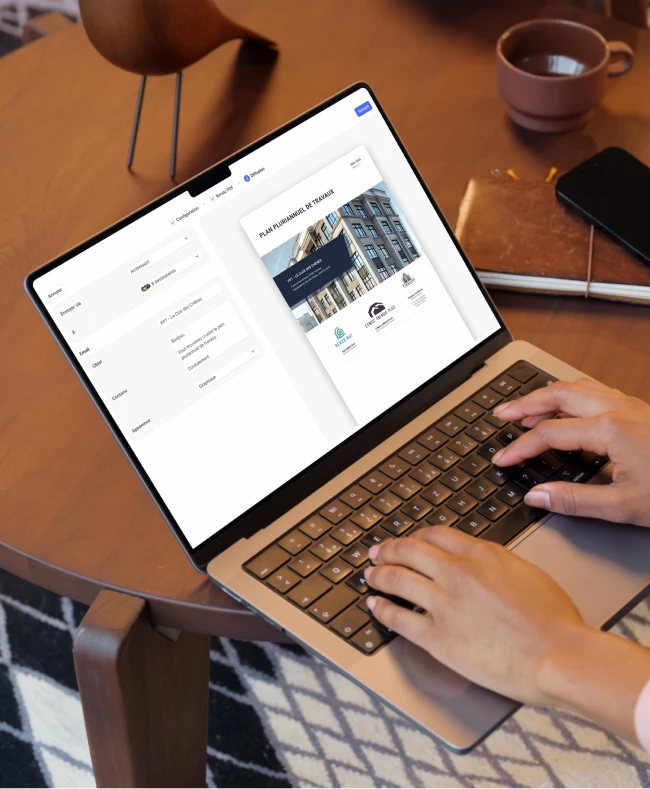
Multi-Year Works Plan (PPT)
€15 excl. VAT / month
Multi-Year Works Plan (PPT)
Save 60 minutes on your next site visit.

Unlimited projects

Ready to use

No credit card required