Site managers: why site monitoring software really changes the way you work
28 July 2026
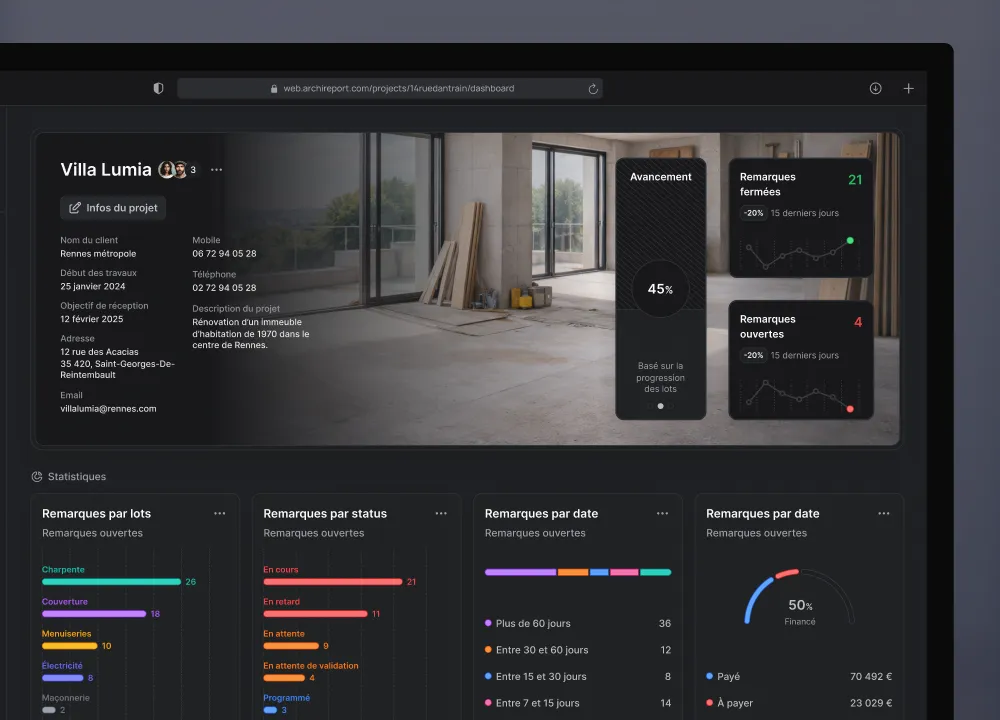
A site manager spends part of every day not being on site. They write, chase, update spreadsheets. And meanwhile, the site moves on without them.
Site management software reverses the logic. You collect the information on site, and the admin almost does itself. This article looks at what it changes, task by task.
The site manager and the administrative overload
The job has changed. The site manager no longer just drives the works. They manage the schedule, the budget, procurement, team coordination and the relationship with the client.
A large part of their time therefore goes on admin: site reports, chasing emails, updating Excel spreadsheets, filing photos. Long evenings at the office re-typing what was seen during the day.
The problem isn’t admin work in itself. It’s that it gets done twice: once on site, and again at the office.
What an hour of writing reports in Word really costs
Take a site visit report written in Word. You have to format the photos, copy out the observations, adjust the layout, then send it. It often takes an hour, sometimes more.
Multiply that by the number of sites and visits per week. The numbers speak for themselves. In practice, that’s half a day a week that isn’t spent preparing the site or anticipating problems.
And that lost time adds no value. The report could have generated itself from what you noted on site.
The 5 tasks that software directly improves
Site management software doesn’t replace the site manager. It saves them time at several levels.
Progress tracking. You see the status of every trade package in real time, without waiting for the next meeting, and your daily reports keep a record of every day on site.
Site reports. They are generated from the observations entered on site, in a clean layout.
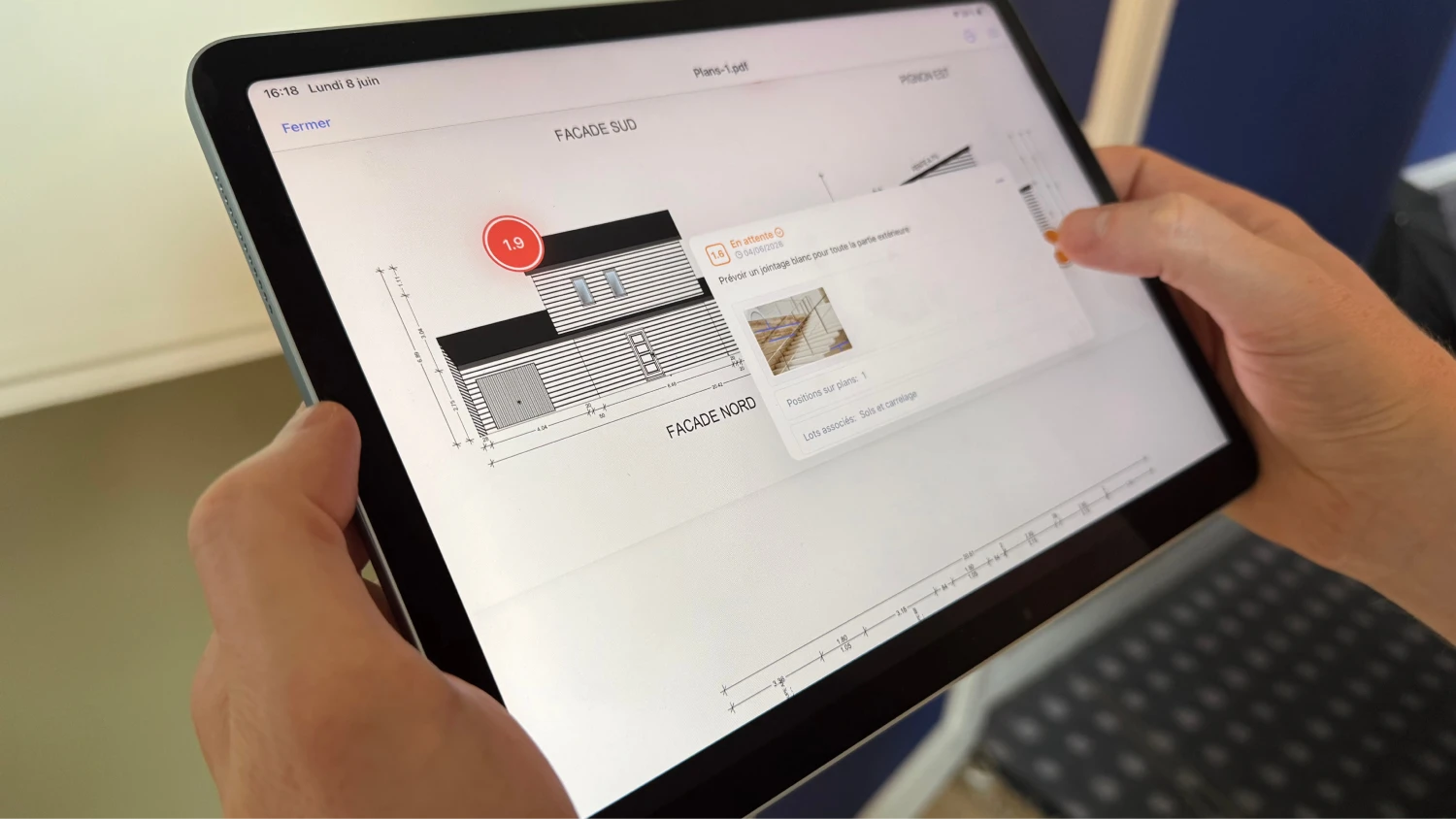
Snag management. Each snag is located, assigned to a contractor and tracked until it’s cleared.
Team coordination. The right information goes to the right contractor, without a group email nobody reads.
Schedule management. You spot slippage before it turns into delays.
In practice, these are the five areas that take up the most time. Improving them changes a site manager’s week.

Archireport in your typical day
You arrive on site with your tablet. You open the plan and enter your observations as you go round, with photos and locations. With Notes & photos, every point is linked to the right trade package.
As you leave the site, the site report is generated automatically. You send it from the car park, not from the office in the evening.
Contractors receive their points. With ar.live, they view their snags and confirm their fixes live. You stay in control of monitoring & scheduling for what comes next.
Snags and clearance: the most time-consuming task, solved
Managing snags is often the heaviest task. A list that keeps growing, contractors passing the buck, fixes approved from memory.
With software, every snag has a status: to do, in progress, fixed, approved. It’s linked to a contractor and a deadline. In practice, that means one up-to-date list instead of ten versions sent by email.
On clearance day, you check the fixes one by one, with photos to back them up. No more approving blind.
Coordinating multiple contractors: the right message to the right company
A site brings together dozens of contractors. The group email where everyone looks for their own topics doesn’t work.
Software filters information by trade package. Each contractor receives what concerns them, and only that. In practice, the electrician doesn’t receive the painting snags, and nobody can say “I didn’t know”. Formal instructions go out as a site instruction, and changes requested along the way through a recorded additional works request.
The site supervisor and the project manager work from the same information, with no duplicates.
Schedule tracking: anticipating delays before they turn into disputes
An up-to-date schedule is the best protection against penalties. You see the drift coming, trade package by trade package.
A late delivery, an understaffed contractor: the warning signs appear early. In practice, a delay spotted in time can be recovered; a delay discovered too late ends in a dispute.
The shared schedule also keeps the client informed, without extra meetings.
A typical case on site
Take a site manager running five sites in parallel. Before, their site reports piled up until Friday. Snags lingered in an Excel spreadsheet that was hard to keep up to date.
With a mobile tool, every visit ends with a report sent on site. Snags live in a single shared list. The gain is felt above all in mental load: no more pile of overdue reports, no more “who was supposed to do what”.
Archireport vs Excel and Word: an honest comparison
Excel and Word have real advantages. They’re free, everyone knows them, and they’re flexible. For a site manager starting out on a single small site, they may be enough.
Their limits appear as soon as the volume grows. No data entry on site, no photos located on the plan, no shared snag status, no single version. Everyone works on their own copy, and the versions drift apart.
Site software centralises everything: a single source of truth, accessible on site, up to date for everyone. In practice, you stop hunting for the latest version of a file.
How to get started for free
You don’t need an IT project to get going. You create an account, import a plan and try it on your next visit.
Archireport is free to try for 30 days, with no commitment and no credit card. The best way to judge is to generate your first site report from the site and measure the time saved. Want to equip your whole site team? Book a demo.
You might also like these modules

Daily reports
Free
Daily reports
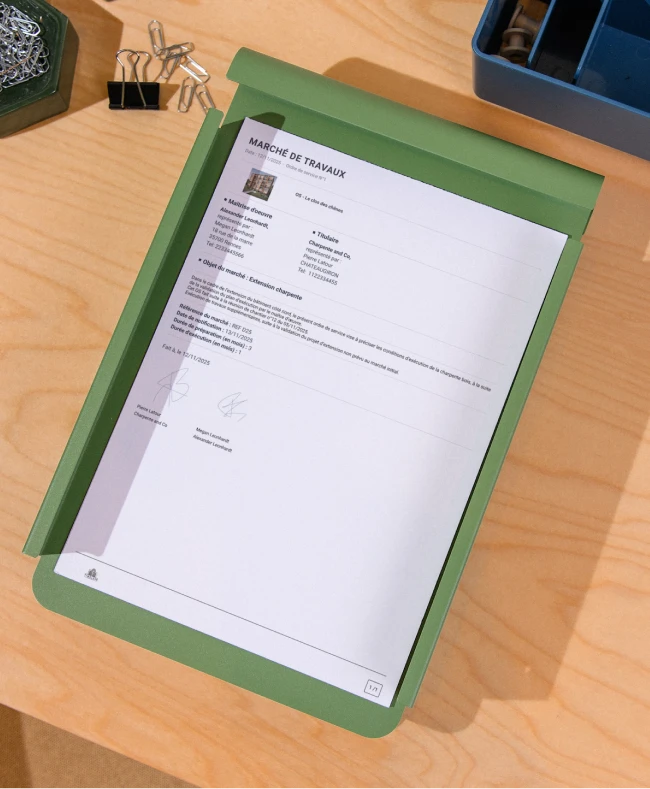
Site instruction
Free
Site instruction
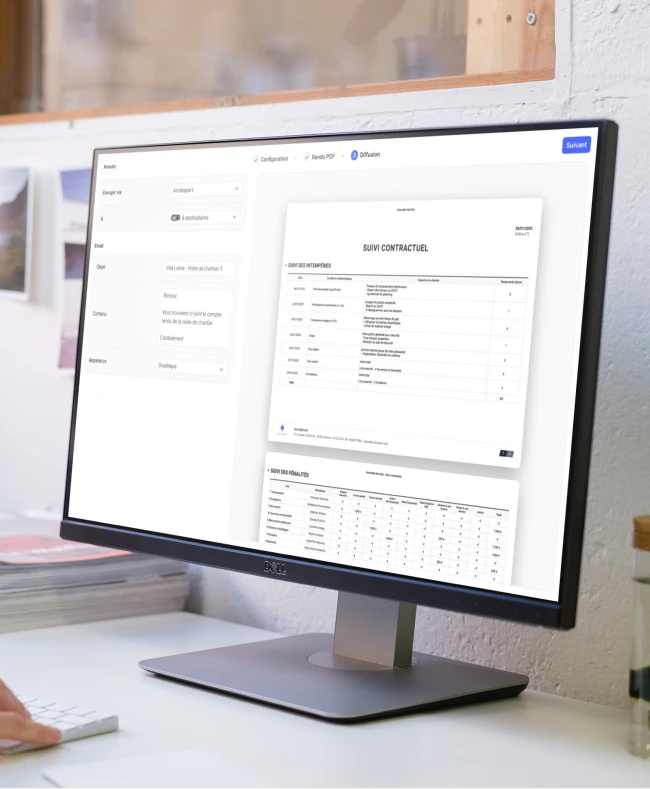
Penalties, bad weather & document tracking
Free
Penalties, bad weather & document tracking
Save 60 minutes on your next site visit.

Unlimited projects

Ready to use

No credit card required