From 1 hour to 15 minutes per visit: how this project manager transformed his site monitoring
24 March 2026
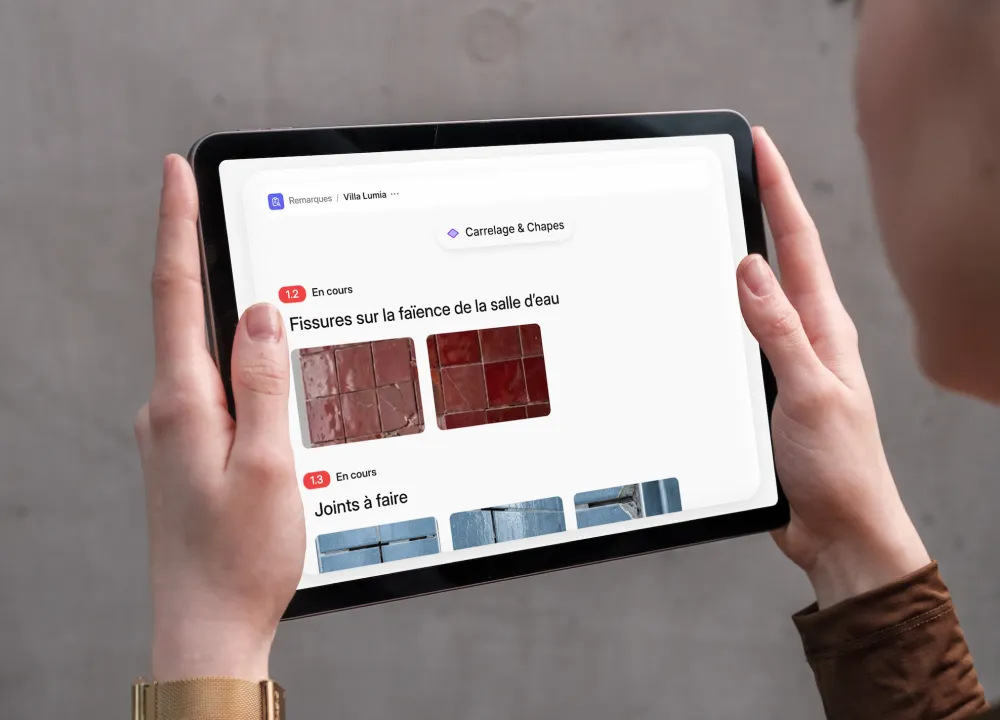
Site monitoring keeps the works running smoothly. But for many project managers and architects, it often turns into an administrative headache, between notebooks, scattered photos and hours spent writing site reports in Word.
These tasks are essential, but they quickly become time-consuming, especially when insurers require detailed monitoring to cover long-term liability for defects. That’s what a project manager leading a team of three site managers found. After months of juggling paperwork, he looked for the most relevant software on a French software comparison site (lebonlogiciel.com). He chose Archireport.
Before Archireport: more than an hour of writing after every visit
Like many construction professionals, this project manager handled his monitoring by hand. After each visit, he left with a notepad full of comments and photos on his phone.
Back at the office, he spent more than an hour going over his notes, downloading and inserting the photos, then writing a detailed report. A long, repetitive and frustrating process. In practice, that meant evenings swallowed up by paperwork, and site reports sometimes sent two days after the visit.

Archireport: simpler, immediate site monitoring
Archireport replaces notebooks and hours of data entry with a digital solution that works offline on tablet and smartphone. Three things won him over:
- Notes and photos taken directly on site: the photos, built into the report, speak for themselves and can be annotated directly in the app.
- Instant positioning on plans: every problem is located on the plan and clearly identifiable.
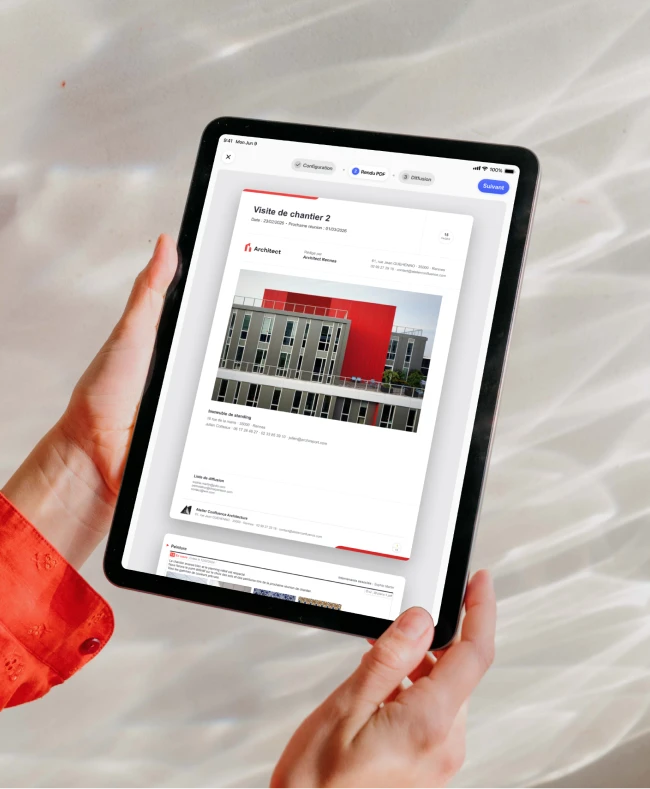
- Automatically generated site reports: as soon as the visit is over, a report is ready to send.
With Archireport: reports written in 15 minutes on site
Where it used to take him more than an hour, everything is now finalised on site in under 15 minutes. The benefits, in concrete terms:
- 45 minutes to an hour saved per visit;
- immediate, clearer communication with tradespeople;
- a reassured client, who receives a structured report in real time;
- a lighter mental load;
- better legal protection if there is a dispute, thanks to traceability.
The team uses Archireport independently, having got to grips with it in 30 minutes.
The features that make the difference
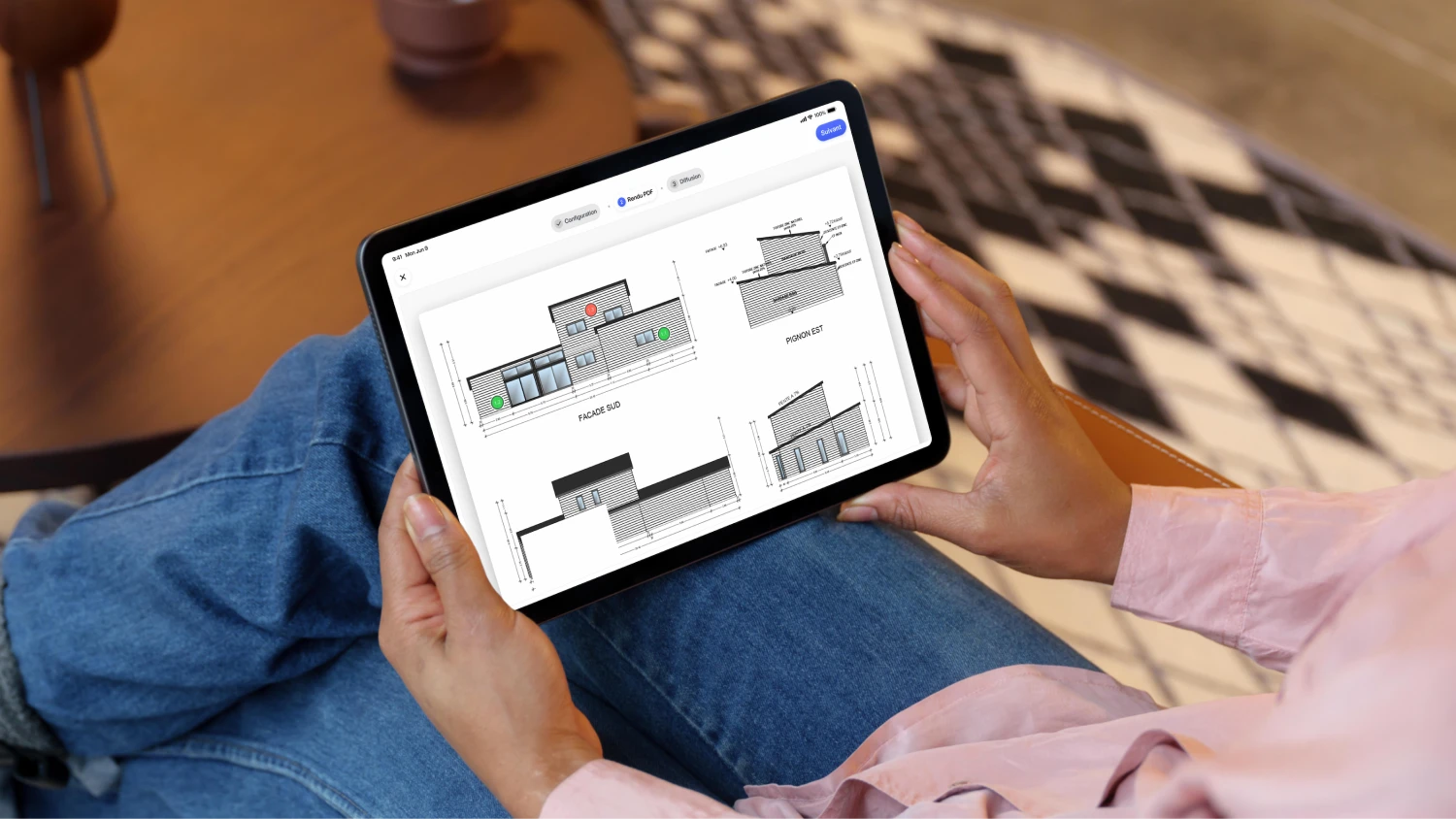
The time saved doesn’t come from a single feature, but from a chain of tools designed for the field, from the start of the visit to sending the site report.
Data entry on site, even offline
With Notes & photos, each observation is created in seconds, with a photo and a location on the plan. Offline mode avoids network dropouts in basements or dead zones.
Automatic report generation
The automatic site report formats the observations and photos into a clean document. No more entering data twice, no more reworking the layout.
Templates and targeted distribution
The report follows a consistent structure, that of the Site visit module. Each contractor receives what concerns them, without being cluttered with the other trade packages.
Tracking snags over time
Each snag has a status, from creation through to clearance. Nothing gets lost between two visits.
Electronic signature
End-of-works documents, such as the handover certificate, are signed directly on the tablet.
Progress tracking
With monitoring & scheduling, the project manager keeps a clear view of the status of each trade package.
Why project managers like Archireport so much
The site report is at the heart of the project manager’s job. It shapes the quality of the project, the relationship with contractors and the client’s trust.
When a team includes several site managers, the stakes multiply. Each one produces reports, tracks snags, chases contractors… A shared tool keeps everyone working from the same information, with no duplicates. In practice, the person in charge sees the progress of all their sites in one place.
Are you a project manager or an architect?
The best way to judge is still to try it on your own sites. You can use Archireport free for 30 days, with no commitment and no credit card. Write your next site report on site, and measure the time saved from the very first visit. Prefer a walkthrough tailored to your team? Book a demo.
Launched in 2011, Archireport is available on iOS, Android and the web. Hear from project managers who use it: Lucie Miklas and Frédéric Retailleau (videos in French).
You might also like these modules
Site visit
Free
Site visit
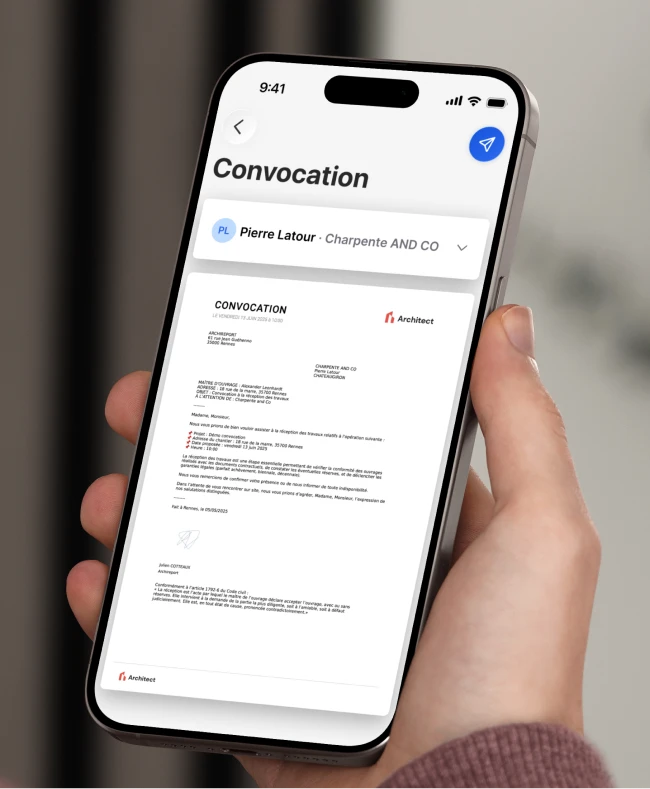
Custom meeting notices
Free
Custom meeting notices
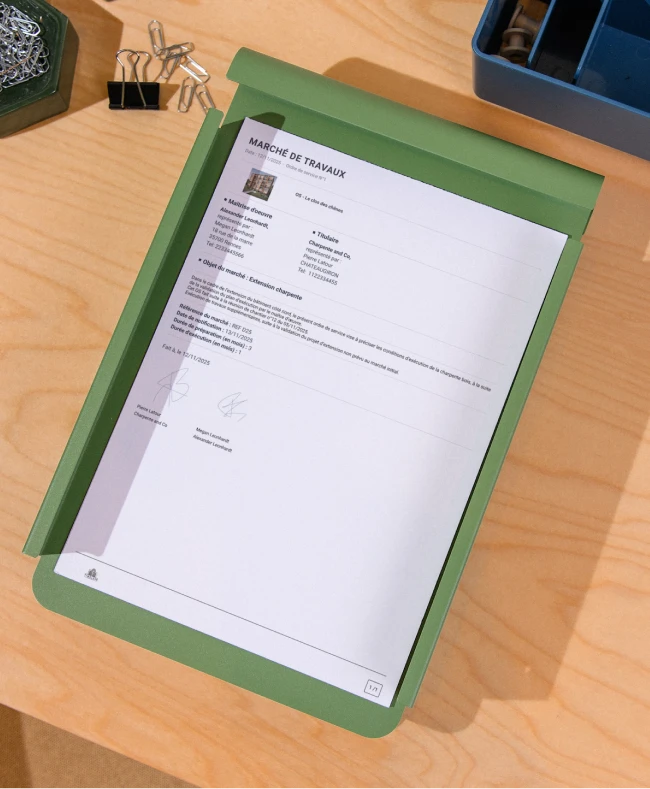
Site instruction
Free
Site instruction
Save 60 minutes on your next site visit.

Unlimited projects

Ready to use

No credit card required