Handover certificate (public contracts)
€15 excl. VAT / month
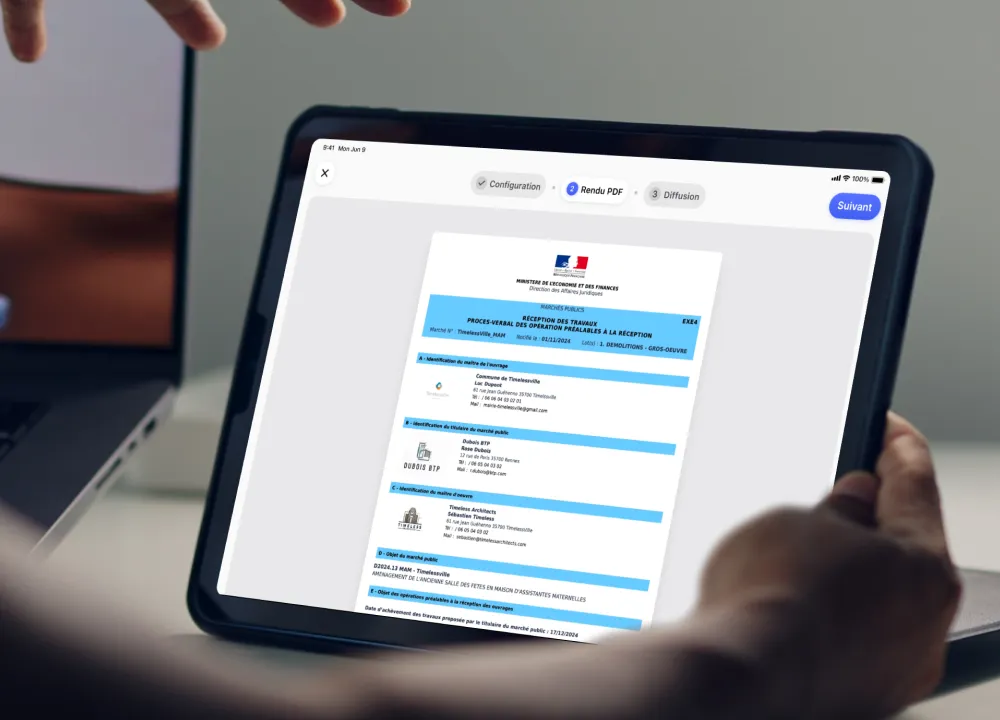
The Handover certificate (public contracts) module generates all the regulatory handover documents, from EXE 4 to EXE 9, trade package by trade package.
Why a dedicated module for public contract handovers?
Under a French public contract, handover cannot be improvised. It follows a regulated procedure, with a series of standard documents to produce in the right order: pre-handover inspections, the project manager’s proposals, the handover decision. Each document has its own role and recipient.
Producing these documents by hand, trade package by trade package, is slow and error-prone. The stakes are real: handover sets the date from which the guarantees run and triggers payments. A badly completed or missing document can hold up the entire close-out of the project.
On site, the project manager needs a tool that generates the right documents at the right time, without re-typing, and tracks snags through to clearance.
A module used both by the lead architect and by the landscape architect on public space contracts.
Ce que permet le module
For each public contract handover, the module generates all the required regulatory documents, from EXE 4 to EXE 9 (the standard French public procurement forms). You create one visit per trade package, bringing together the contractors, trade packages, contract number and the required information.
You then follow the procedure step by step: EXE 4 covers the pre-handover inspections and your snags (type, photo, room, trade package); EXE 5 sets out the project manager’s proposals; EXE 6 records the handover decision, and so on up to EXE 9. Each time, the right template is pre-selected and the contractors’ details are already filled in.
The document adapts automatically depending on whether or not there are snags. And everything is signed directly on the tablet by the client and the contractor, on site or remotely by email.
Comment ça marche ?
Activez le module depuis le Modules Manager. Ajoutez-le ensuite à un projet existant ou à un nouveau projet depuis ses préférences. Le module apparaît alors dans le menu de votre projet.
Ces modules pourraient vous plaire
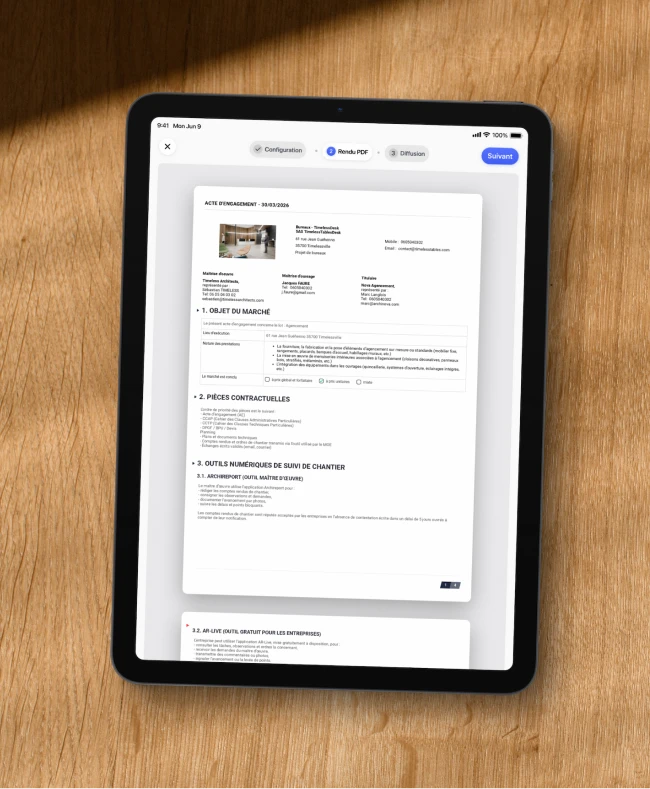
Contractor agreement
Free
Contractor agreement

Multi-zone pre-handover inspections
€5 excl. VAT / month
Multi-zone pre-handover inspections
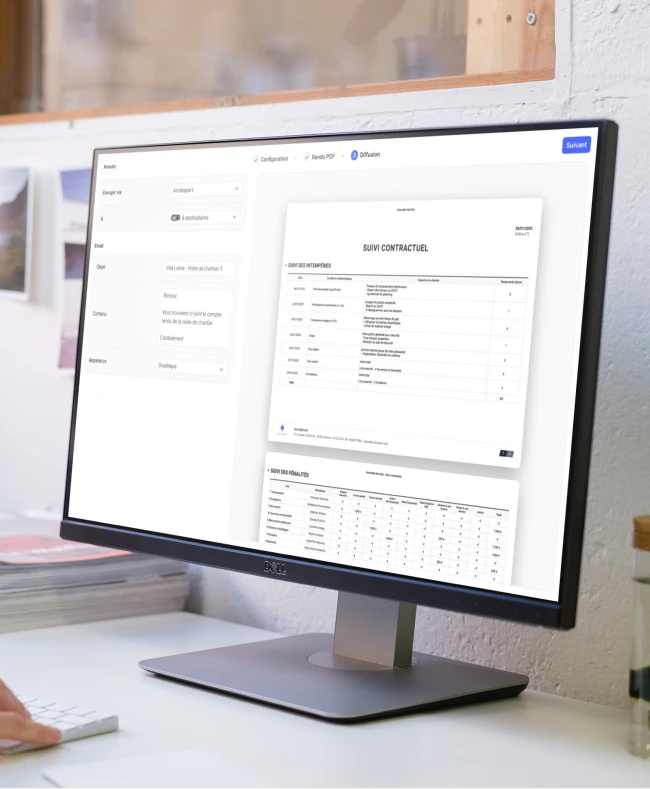
Penalties, bad weather & document tracking
Free
Penalties, bad weather & document tracking
We're here for you
A question holding you up?
Our team gets back to you right away.

By chat

By phone
Save 60 minutes on your next site visit.

Unlimited projects

Ready to use

No credit card required