Which tablet for site monitoring? The complete Archireport guide
18 March 2025
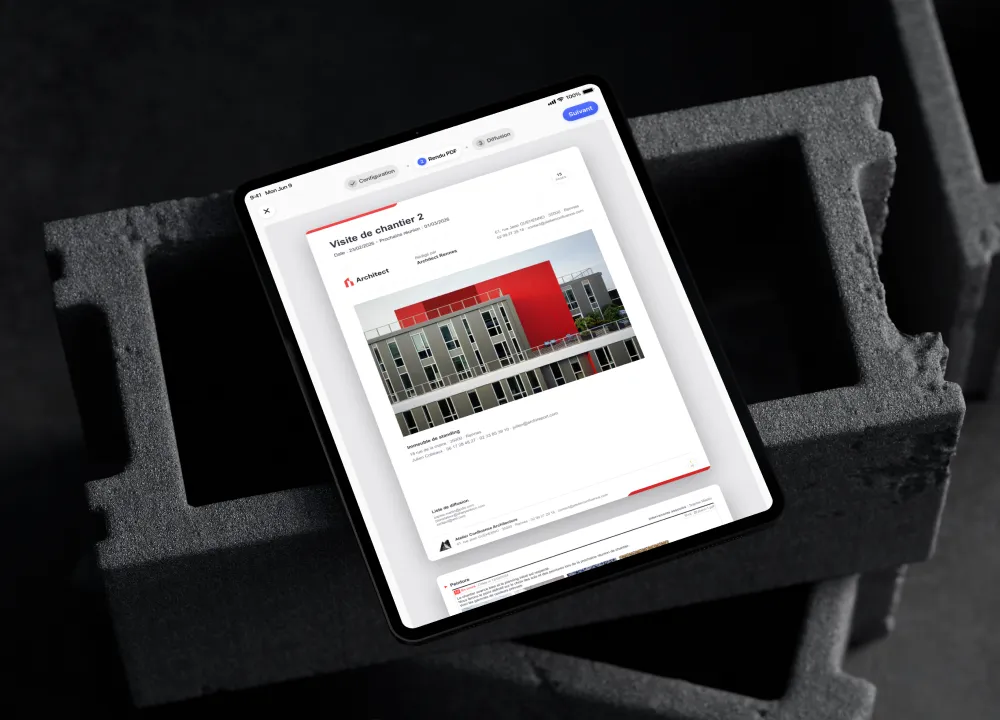
Choosing a tablet for site monitoring isn’t just a question of brand or price. It has to keep up with your pace, letting you view your plans, add photos and observations on site, then generate your reports without going back to the office.
So how do you choose the right tablet for site monitoring? It’s a question we hear a lot at Archireport. Our answer is simple: the best tablet is the one that stays smooth, readable and reliable in the field. Here’s how to choose it.
The real question: which tablet works well with Archireport?
Archireport works on iPad, Android tablets, computers and the web. But not every tablet gives the same experience day to day.
On site, the difference shows immediately: plans open quickly, photos upload without waiting and observations are placed in the right spot while everyone is still standing in front of the work. If you’re starting from scratch, we tend to recommend the iPad. The app is particularly pleasant to use on it, with an interface very well suited to site monitoring. A recent Android tablet also works very well, provided you choose a reliable brand and a recent model with enough storage.
The criteria to check before buying
The right choice depends on how you work. An architect who monitors a few sites a month doesn’t have the same needs as a project manager who spends the week moving between several projects.
Screen size
For viewing plans, adding observations and checking photos, the screen is central. A format of around 10 inches often offers the best balance between comfort and mobility. A screen that’s too small quickly becomes tiring once you start zooming and moving between several documents.
Durability
A construction site isn’t an office. Dust, moisture, knocks in your bag: the tablet has to cope. A good case is often enough for standard use. For more exposed sites (outdoor landscaping by a landscape professional, heavy renovation, dusty sites), a rugged tablet with a good protection rating makes life much easier.
Battery life
Aim for a full working day without recharging, especially if you go from one visit to the next. Look at the advertised battery life, but also at the battery capacity.
Storage
Plans, photos and reports quickly take up space, especially as projects build up, and even more so if you produce a photo report at each stage. 64 GB can be enough for light use; for a team monitoring many projects, 128 GB or more is more comfortable. In practice, it’s better to allow a bit of headroom to avoid emergency clear-outs before a meeting.
Archireport doesn’t need a 3D workstation, but a tablet that’s too slow ends up getting in the way. To work comfortably, aim for at least 4 GB of RAM, and ideally 6 to 8 GB if you handle large plans or lots of photos. The right level of power is the one that lets you forget the technology: you open, you note, you move on.
Connectivity
Wi-Fi is enough at the office, but the network isn’t always reliable on site. A 4G or 5G model is useful if you often work without a connection. Note that you don’t need an internet connection to use Archireport: offline mode takes over when there’s no network, and everything syncs as soon as the connection returns.
iPad, Android, Galaxy, rugged tablet: which options?
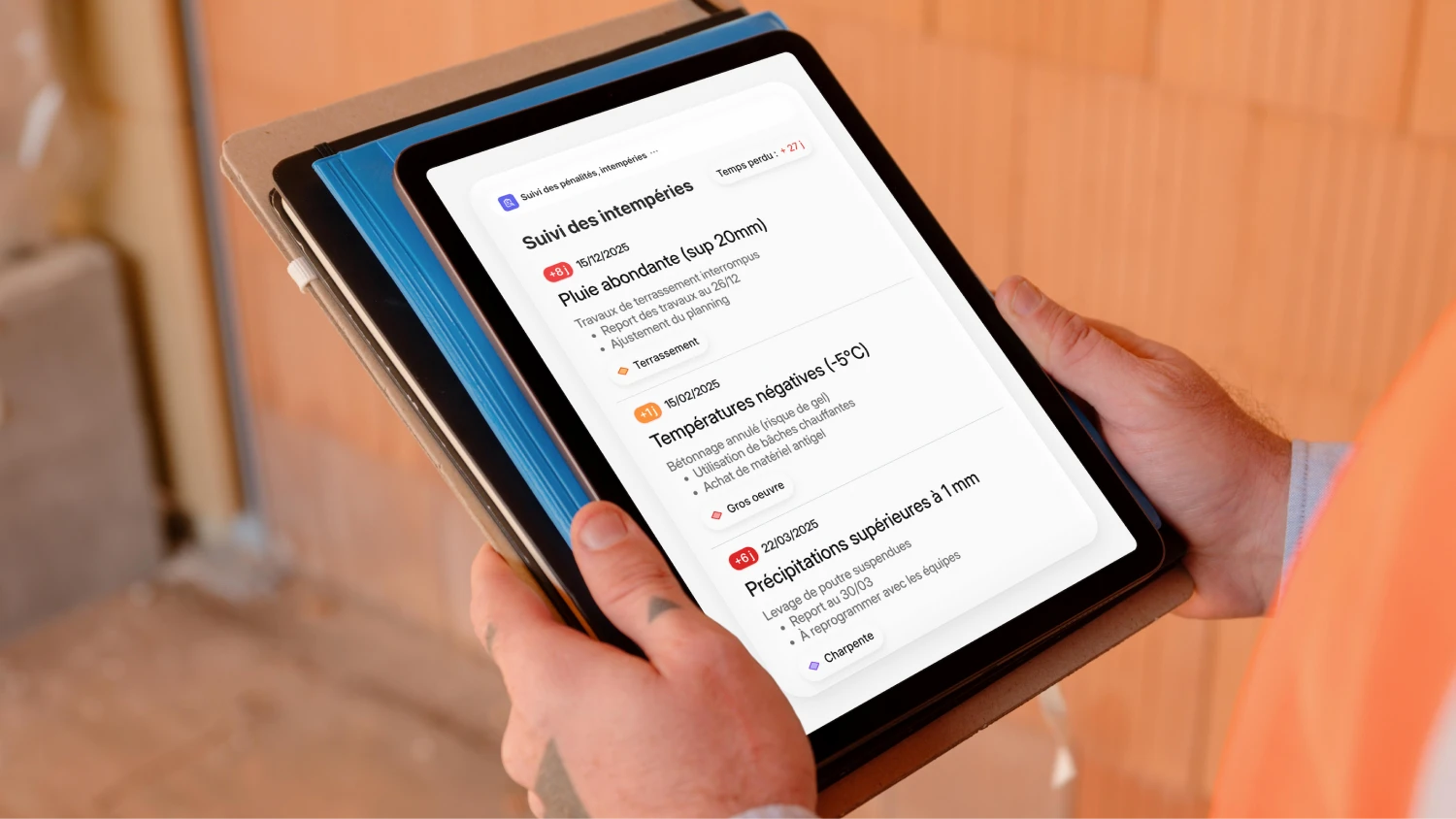
The choice depends mainly on your existing equipment, your budget and your teams’ habits.
iPad. Our main recommendation. A smooth experience, a precise touchscreen and quick to pick up. A recent iPad with 64 GB is enough for standard use; choose more storage if you manage many sites and photos.
Android tablet. A recent tablet running an up-to-date version of Android, with a good screen and enough storage, works very well. Avoid old entry-level models: a slow tablet will cost you time on every visit.
Samsung Galaxy Tab. A good benchmark on the Android side, with a good balance of screen, battery and build quality. As always, go for a recent model.
Rugged tablet. For the most exposed uses. Heavier and often more expensive, but reassuring outdoors or on difficult sites. Not essential for everyone, but it saves some teams from replacing devices too often.
The right choice for your profile
There isn’t one best tablet, but a tablet suited to your use.
For an architect or a project manager, go for something simple and light: a recent iPad is often the best choice, and above all you gain smoothness during meetings.
For a property manager, focus on battery life, storage and durability, so you can move from one building to the next without losing the thread. For a whole team, think consistency: similar models make onboarding, internal support and updates easier.
Mistakes to avoid
A cheap tablet may seem good enough. But if it slows down your visits, it’s a false economy.
Avoid a screen that’s too small (quickly limiting for reading a plan), underestimated storage (site photos pile up) and a model that’s too old (fewer updates, an app that becomes less comfortable over time). And don’t look only at the price: a good professional tablet is also judged on its reliability, its battery life and its ability to keep up with your days.
Our advice, and how to test
In short, to use Archireport in good conditions: a recent tablet, a screen of around 10 inches or more, good battery life and enough storage. If you’re unsure, the iPad remains the simplest recommendation. On the Android side, a recent, well-equipped Galaxy Tab does the job.
The best test is still the field. With your current tablet, try Archireport directly on your projects, starting with the Site visit module: the app is free for 30 days, with no commitment and no credit card. You’ll see straight away whether it suits your pace. Equipping a whole team? Book a demo and we’ll help you choose.
You might also like these modules
Save 60 minutes on your next site visit.

Unlimited projects

Ready to use

No credit card required