WhatsApp on construction sites: handy, until the day things go wrong
19 September 2025
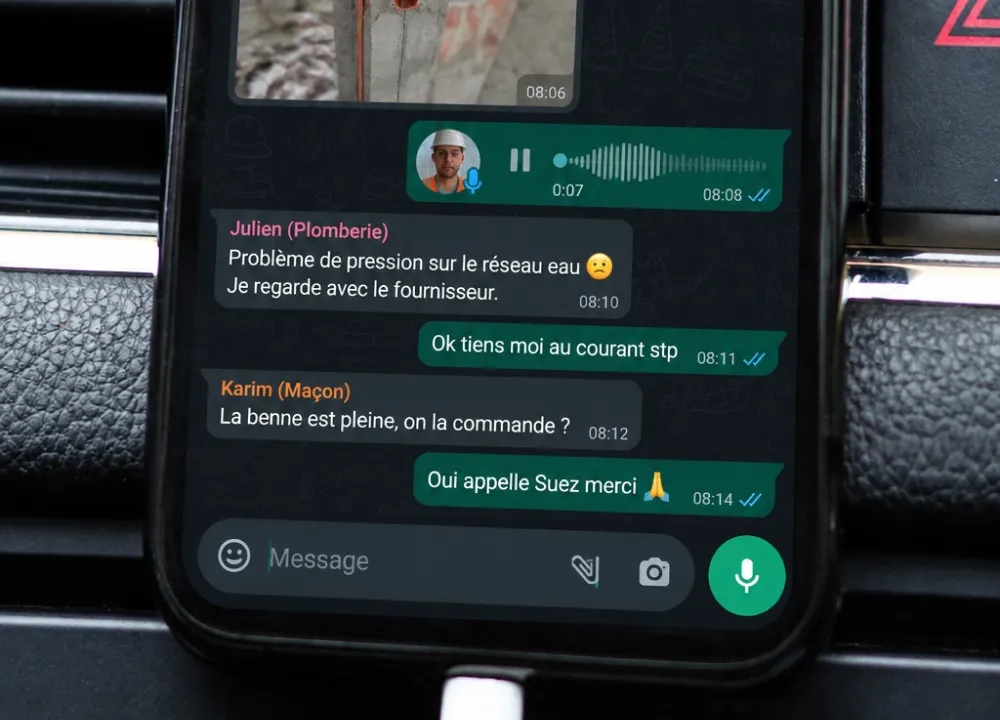
Everyone knows WhatsApp. It’s free and easy to use: nobody needs training to send a photo, a message or a voice note. That’s why the app has made its way onto construction sites so naturally.
A group is created with the tradespeople, the project manager, sometimes the client. People send a photo between two appointments, a question about a technical detail, a voice note to explain a change, or a quick message to warn of a delay. At the time, it’s convenient.
But as soon as the exchanges multiply, WhatsApp’s simplicity also becomes its limit.
In this article, we look concretely at where WhatsApp reaches its limits, what WhatsApp Business really changes (or doesn’t), and which solutions to use when site monitoring needs to be more professional.
Why WhatsApp found its way onto construction sites
A site rarely progresses thanks to plans and quotes alone. Site monitoring is above all about communication.
The project manager has to announce a change. The tradesperson has to report a problem. The architect has to approve a detail. The client wants to understand how the works are going. At every stage, everyone needs to be aligned and have the same information. In this context, WhatsApp has everything going for it.
The app is free, already installed on almost every phone, and everyone knows how to use it without training. At the time it’s very simple, and as long as the exchanges stay occasional, it does the job very well. But as soon as messages pile up, several trade packages work at the same time, or a decision needs to be found again a few weeks later, the limits become much more visible.
Does WhatsApp Business change anything?
Many people think the business version solves the problem. Let’s look at what it really adds.
WhatsApp Business adds a company profile, automatic replies, labels to sort conversations and a product catalogue. That’s very useful for a shop or a customer service team, but not for running a construction site.
And on site, what does that mean? Labels sort contacts, not site observations. The catalogue presents products, not trade packages or snags. You’re still using a messaging tool, just with a professional look. The Business version doesn’t fix the real friction points at all.
Where WhatsApp falls short on a construction site
Finding information among thousands of messages
A project can last several months, sometimes several years.
Over that time, a simple WhatsApp group ends up accumulating hundreds, even thousands, of messages, photos and voice notes. Everything gets mixed up: questions, approvals, snags, delays, last-minute changes.
At first, you can still find what you’re looking for. But after a few weeks, finding the right photo, the right exchange or the right piece of information becomes much harder.
The information is somewhere in the conversation. The problem is that it’s too hard to find.
Measuring progress
Good site monitoring should let you answer a simple question quickly: where are we up to?
With WhatsApp, the answer often remains vague. You can see that messages have been sent and topics discussed, but you don’t clearly know what has or hasn’t been done.
What’s missing is a real overview, a clear picture of how the site is progressing.
Separating the urgent from the trivial
On WhatsApp, everything arrives in the same thread. A leak that needs urgent attention can end up just after a question about paint, then disappear under the next messages. Nothing really distinguishes what needs dealing with straight away from what can wait.
On site, this lack of priority eventually takes its toll. Important information gets lost more easily, and some oversights can prove costly.
Photos without context
On WhatsApp, a photo often stays cut off from its context.
It shows a problem at a given moment, but it isn’t necessarily linked to a room, a plan or a specific observation. At the time, everyone understands what it’s about. A few months later, it’s far less obvious.
You end up with an image in the history, with no certainty about the exact location, the decision taken or what happened next.
Disputes: when the lack of traceability costs you
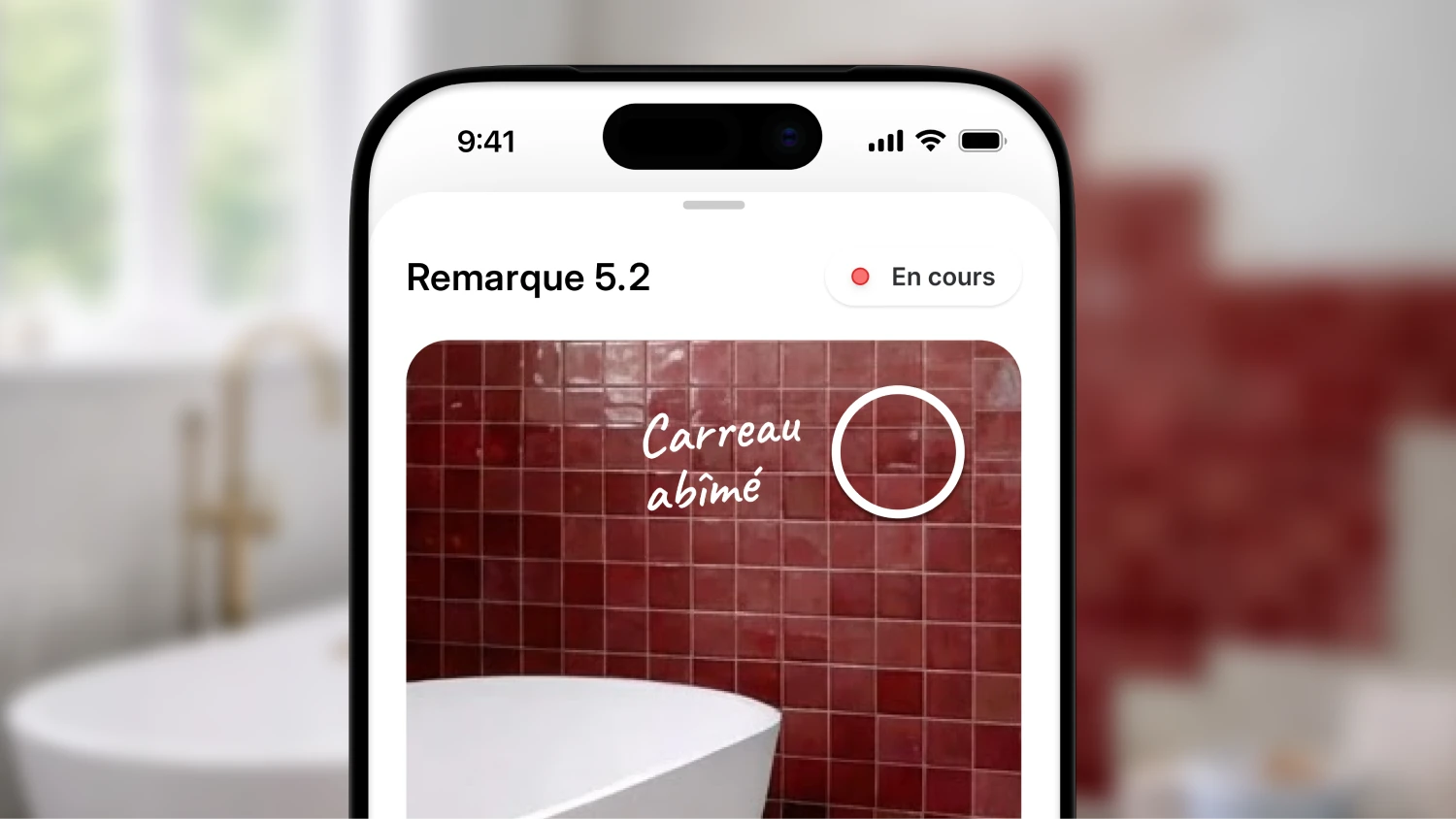
This is the scenario that changes everything: a disagreement, a claim, a question of liability. The site manager has to produce dated, located evidence.
With WhatsApp, that’s off to a bad start. Exchanges are scattered, poorly time-stamped and impossible to export cleanly. In practice, the evidence is there somewhere, but you can’t produce it in the right format.
When a disagreement arises, a claim is made or liability is questioned, it’s no longer enough to say “we saw it on the WhatsApp group”. You need to be able to find quickly what was reported, when, by whom and where on the site.
On sensitive matters, especially long-term liability for defects (such as the ten-year guarantee in France), this vagueness can become a real risk. Well-structured site monitoring keeps a reliable record of exchanges and findings over time. WhatsApp was never designed to play that role.
Confidentiality: who holds your data?
A site often involves information you don’t want circulating just anywhere: plans, photos, contact details, exchanges with the client, technical or financial details.
With WhatsApp, these elements are shared on a consumer app, designed first and foremost for everyday messaging. Encryption protects the content of messages, but it doesn’t solve everything: where are the archives stored, who stays in control of the exchanges, what happens if a phone is lost or someone leaves the project?
That may be enough for a quick exchange, but for keeping a site’s history and staying in control of professional data, it’s far less suitable.
What a real site monitoring tool should do
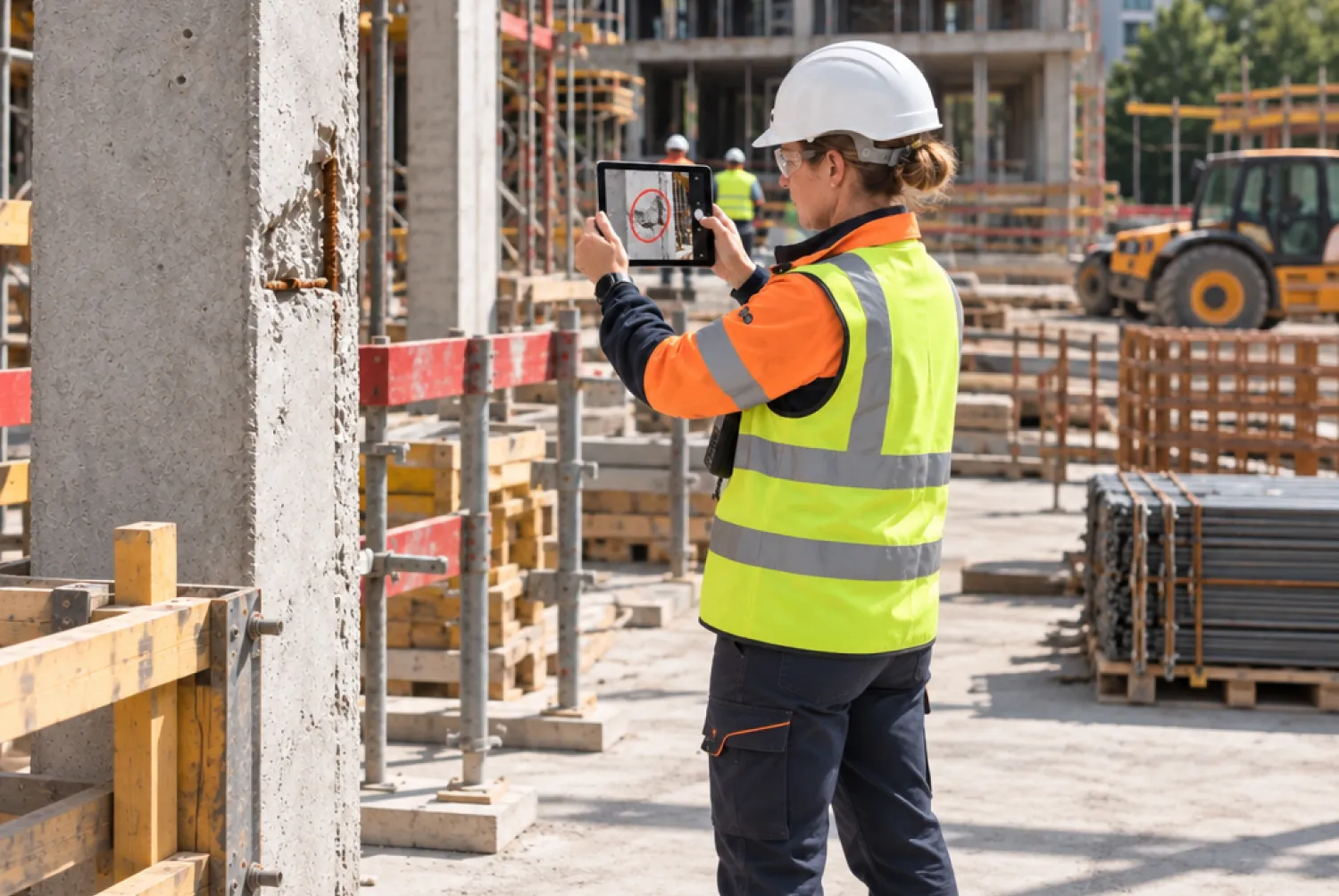
For monitoring that holds up, look for a tool that lets you:
- annotate your photos directly (arrows, circles, text);
- place each observation on the plan;
- record who did what, and when;
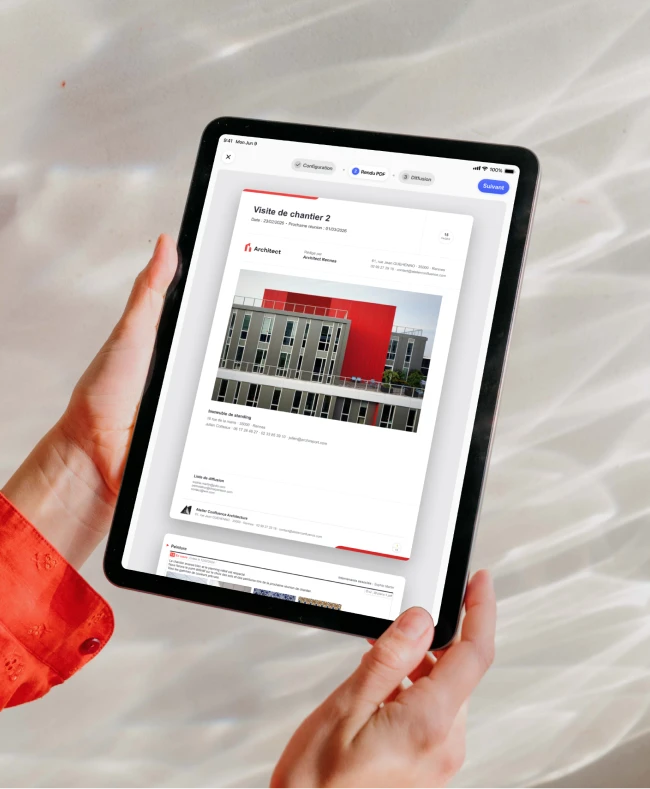
- export a clean PDF report;
- secure access to the data, even when a team member leaves.
In practice, it’s the difference between a chat thread and a real site file that lets you justify your decisions. See what a well-structured site report looks like.
WhatsApp as a complement, not a cornerstone
Let’s be pragmatic: WhatsApp has its uses on a site too.
To ask a tradesperson a quick question, confirm a detail or flag a small change, the app does the job very well.
The problem starts when WhatsApp becomes the only place where the site is managed. The right approach is therefore to keep WhatsApp for informal exchanges, while reserving real site monitoring for a tool designed for it.
Take back control of your site monitoring
Switching to a new tool can feel like adding a constraint. In reality, it’s often what lets you remove some.
With Archireport, you get started quickly and keep your habits in the field. The difference is that information is filed in the right place the moment you enter it.
During the visit, you take a photo, add your observation, and it stays linked to the site, the plan or the point concerned. At the end, the site report is already structured, without having to go back through the whole history afterwards.
You keep working as usual, and the app takes care of keeping a clear record of what really matters.
Want to see what it changes on your next site? Download Archireport and start your free 30-day trial. No credit card, no commitment.
You might also like these modules
Site visit
Free
Site visit
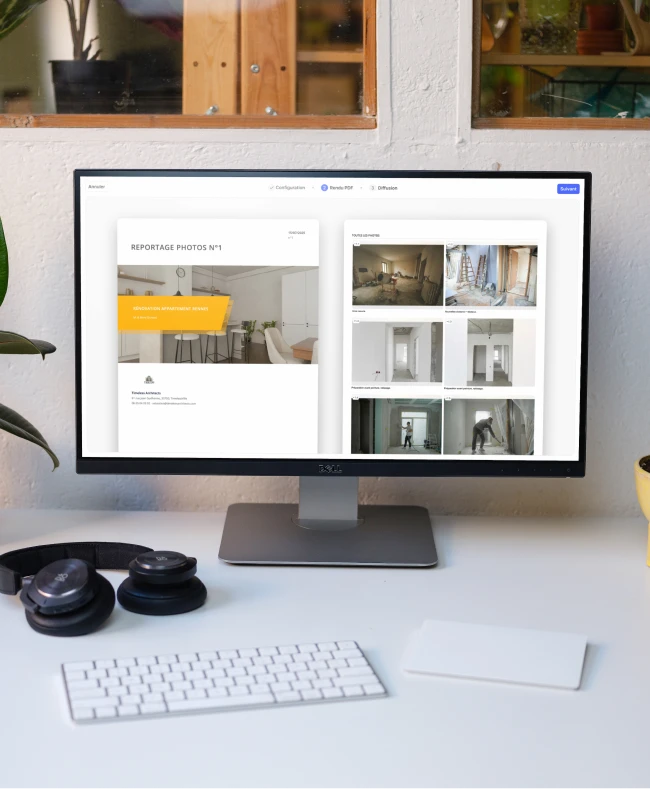
Photo report
Free
Photo report
Custom meeting notices
Free
Custom meeting notices
Save 60 minutes on your next site visit.

Unlimited projects

Ready to use

No credit card required